
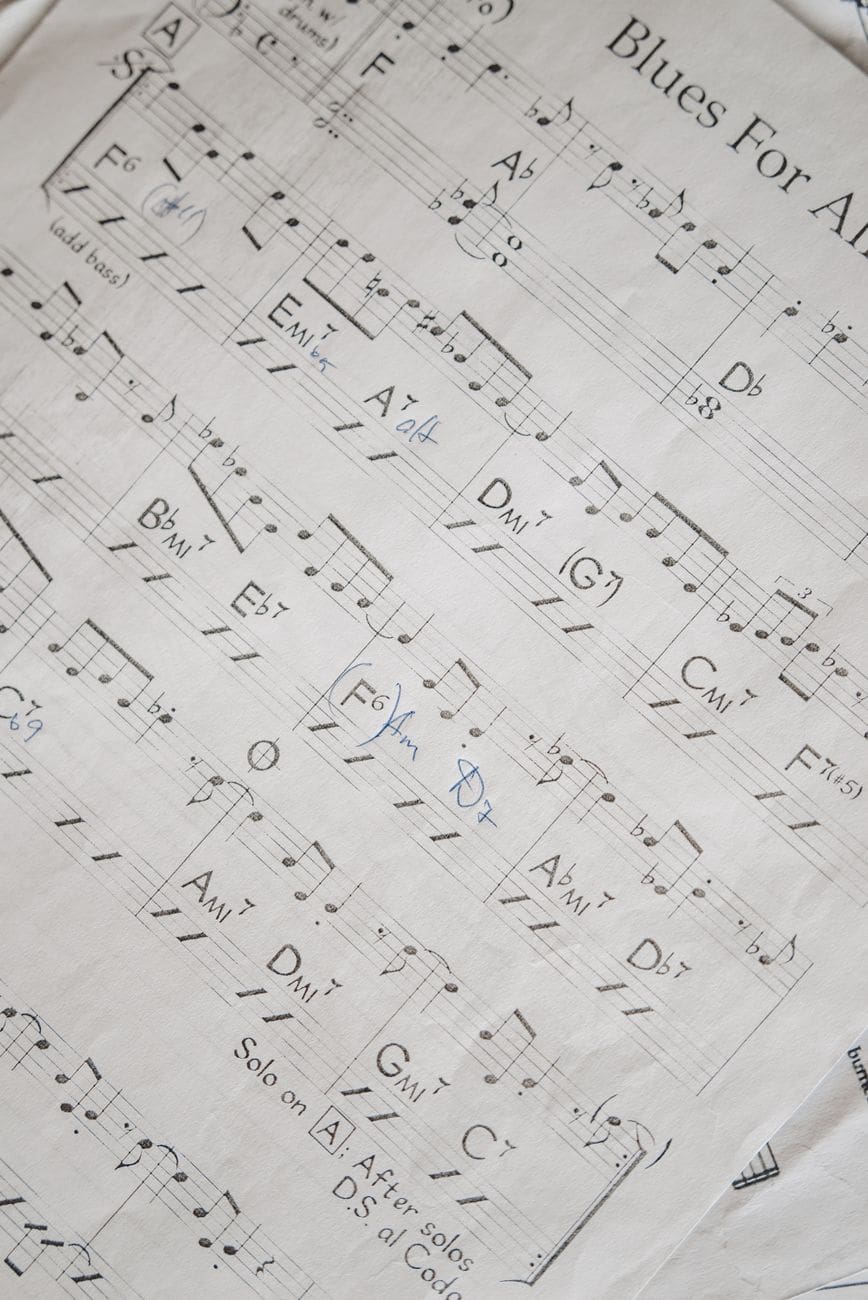
Quick answer: Organize a setlist by grouping songs into collections based on event or set, ordering them by key, energy, and transition flow, and keeping every chord chart in one synced location so the whole band can access the same up-to-date version. The biggest source of on-stage chaos is outdated or scattered charts, not the songs themselves.
Anyone who’s fumbled through a stack of loose paper mid-song, or watched a bandmate scroll through old text messages looking for the “right” version of a chart, knows that setlist organization isn’t a small detail. It’s the difference between a rehearsal that flows and one that stalls out every few minutes while someone finds their place.
This is exactly what Chord Sheet Pro is built for. Check it out →
Why Setlist Organization Matters
- It reduces dead time in rehearsal. Every minute spent searching for a chart is a minute not spent actually playing.
- It prevents version confusion. If three band members have three different versions of the same chart (different keys, different arrangements), something will go wrong live.
- It makes transitions smoother. A setlist ordered with intention, by key, tempo, and energy, keeps a performance or service flowing naturally instead of feeling disjointed.
- It protects against last-minute changes. When a song gets swapped or a key changes the morning of a show, a disorganized system means someone is scrambling.
Step 1: Build a Master Song Library First
Before organizing any single setlist, build a complete library of every song your band or team plays regularly, with each chart kept current. Trying to organize setlists while your source charts are scattered across notebooks, group chats, and random PDFs guarantees ongoing confusion.
A digital chart library, where every chord sheet lives in one place and can be found by searching the song title, removes this problem at the source. Chord Sheet Pro is built around exactly this: fast search, unlimited chart creation, and the ability to organize songs into collections.
Step 2: Group Songs Into Collections by Use Case
Instead of one giant undifferentiated list, break your library into collections that reflect how you actually use the songs:
- By event type (Sunday service, wedding gigs, corporate events, open mic sets)
- By set (Set 1, Set 2, Encore)
- By difficulty or rehearsal status (ready to perform, still learning, needs review)
- By key (useful for quickly finding songs that pair well in a flowing setlist)
No more manual chord math. Get started with Chord Sheet Pro →
Step 3: Order the Setlist With Intention
Once you know which songs are going into a specific set, the order matters more than most bands give it credit for.
- Open with something that establishes energy, whether that’s high-energy or a deliberate slow build, depending on the context.
- Group songs in compatible or adjacent keys where possible, to minimize jarring transitions and make transposition on the fly easier if needed.
- Save your strongest or most anticipated song for a peak moment, not necessarily the very end.
- Plan your transitions, not just your songs. Decide in advance whether there’s a pause, a segue, or spoken content between songs.
- Build in flexibility. Mark one or two songs as optional “cut if we’re running long” so time management doesn’t become a last-minute panic.
Step 4: Keep Every Chart in Sync Across the Band
The single most common breakdown in live music isn’t a missed note, it’s someone playing from the wrong version of a chart. A key change, a structural edit, or a last-minute swap needs to reach every band member’s device before the downbeat, not after.
This is where paper and scattered PDFs consistently fail. A change made to one printed copy doesn’t exist for anyone else until it’s manually copied and redistributed. Digital chart tools that sync across devices solve this directly: when a chart is updated or transposed in Chord Sheet Pro, that update is available wherever the chart is opened next, without anyone needing to resend a file.
Keep your whole band on the same page. Explore Chord Sheet Pro →
Step 5: Prepare for Last-Minute Changes
Even a well-organized setlist gets disrupted, a vocalist can’t hit a key, a song gets cut for time, an encore gets added on the spot. Build your system so these changes are fast, not disruptive:
- Keep charts transposable on the fly rather than fixed to one key.
- Have a backup device or printed copy for the one or two most critical songs, in case of technical issues.
- Assign one person (often the bandleader or music director) as the final source of truth for the current setlist version.
- Communicate changes verbally in addition to updating the chart, especially right before a performance.
Setlist Organization Checklist
- Every song in your library has a current, accurate chart
- Charts are organized into collections by event, set, or status
- The setlist order accounts for key, energy, and transitions
- All charts are accessible on every band member’s device
- There’s a clear process for last-minute changes
- A backup plan exists in case of technical failure
Digital Setlists vs. Paper Setlists
| Digital Setlist & Charts | Paper Setlist & Charts | |
|---|---|---|
| Updates reach the whole band instantly | Yes | No, requires manual redistribution |
| Searchable by song title | Yes | No |
| Transposes instantly | Yes (with the right app) | No, requires manual rewriting |
| Risk of losing physical copies | None | Real risk, especially on tour or between venues |
| Works without printing | Yes | No |
Organizing Setlists for Recurring Events vs. One-Off Shows
Recurring events, like a weekly worship service or a residency gig, benefit from a stable master library you draw from every week, since much of the setlist repeats or rotates from a known pool of songs. Focus your organizational effort on keeping that master library clean, current, and easy to search.
One-off shows, like a wedding or a corporate event, usually involve a smaller, custom setlist built specifically for that event, often including songs the band doesn’t play regularly. For these, build a dedicated collection for the event, confirm every chart and key in advance, and avoid relying on memory for songs the band hasn’t performed recently.
Try it on your next song. Open Chord Sheet Pro →
Involving the Whole Band in Setlist Prep
A setlist finalized by one person and handed to the band at the last minute often produces avoidable surprises, an unfamiliar arrangement, an unexpected key, a song nobody has actually rehearsed recently. Where possible:
- Share the draft setlist early enough for band members to review and flag concerns.
- Confirm any songs that haven’t been played in a while need a refresher before the rehearsal, not during it.
- Ask vocalists to confirm their comfortable key before the chart is finalized, rather than adjusting on the spot.
- Leave room in rehearsal specifically for the songs most likely to need extra attention, rather than running the whole list start to finish in order every time.
Setlist Organization for Touring or Multi-Venue Bands
Bands playing multiple venues face an added wrinkle: different venues, different backline setups, and sometimes different set lengths from night to night. Keeping setlists digital and organized by venue or date, rather than relying on one static printed list for the whole tour, makes it far easier to adjust for a shorter set or a different room without reworking everything from scratch the day of the show.
FAQ
How far in advance should a setlist be finalized?
This depends on context, but giving the band at least a few days to review and rehearse a finalized setlist reduces last-minute scrambling. For recurring events like weekly worship services, many teams finalize the core setlist several days ahead while leaving room for small adjustments.
What’s the best way to share a setlist with a band?
Use a shared digital tool that every band member can access on their own device, rather than relying on printed copies or one-off text messages, so updates reach everyone at the same time.
How do I organize chord charts for a large song library?
Group songs into collections based on how you actually use them (by event, set, or key) rather than one long undifferentiated list, and use a searchable digital tool so any song can be found quickly by title.
Should a setlist always go from slow to fast, or a specific order?
There’s no universal rule; the right order depends on the context (a concert, a worship service, a wedding). What matters more consistently is intentional energy management and smooth key transitions between songs.
What should I do if a song’s key needs to change last minute?
Use a chart tool that transposes instantly rather than manually recalculating chords under time pressure. This is one of the most common last-minute changes bands face, and it’s also one of the easiest to solve with the right tool.
Keep Your Whole Band on the Same Page
Setlist chaos almost always traces back to disorganized or outdated charts. Chord Sheet Pro keeps your entire song library organized, searchable, and synced across every device, so your band always has the current version, in the current key, ready to go.
Leave a Reply