
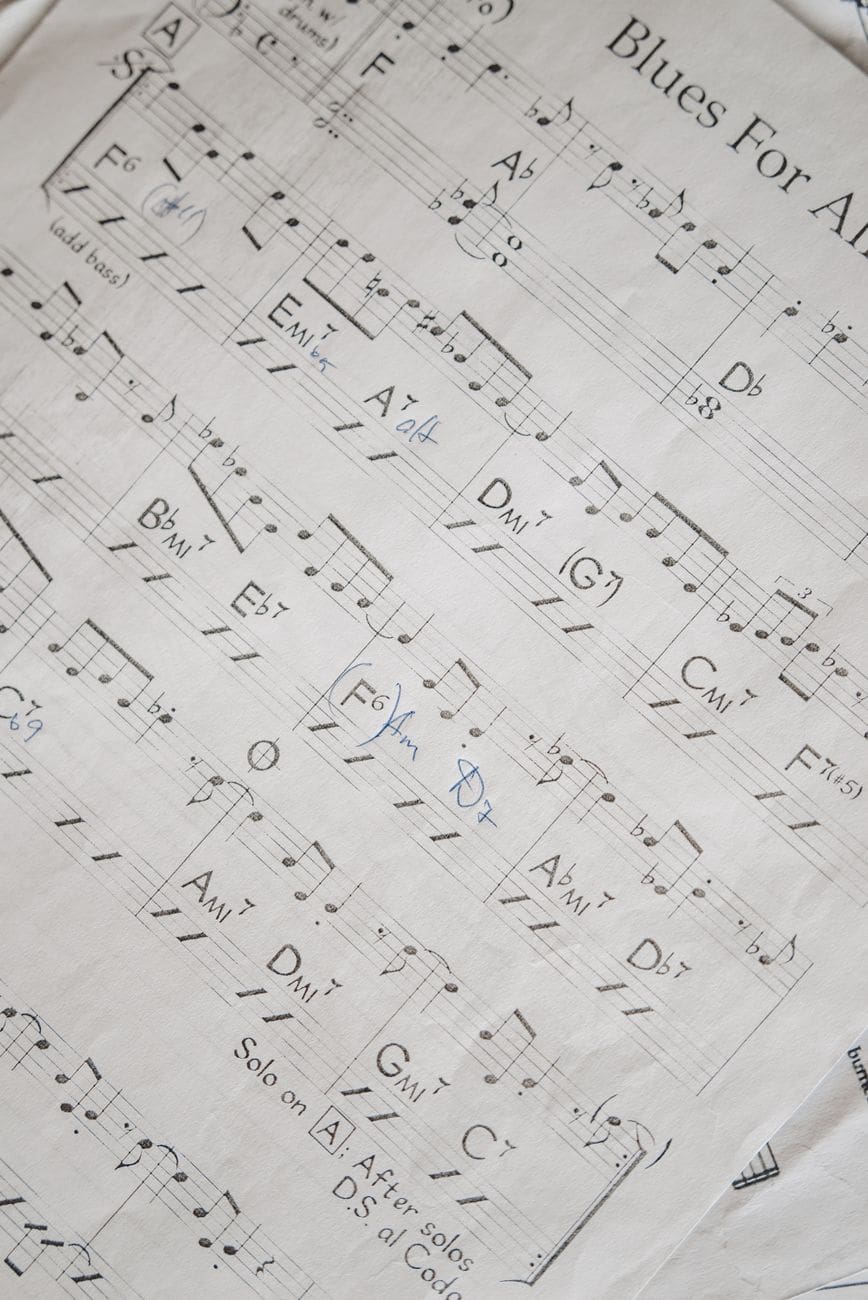
Learning how to make a chord sheet gives you control over the way you learn, rehearse, teach, and perform music. Instead of depending on a crowded webpage, an inaccurate user submission, or a pile of screenshots, you can create one clear chart that matches the exact version and arrangement you need.
A useful chord sheet does more than list chord names. It shows the song’s structure, measure lengths, repeated sections, key, and important performance cues. It should be easy to read at home, in rehearsal, and on stage. The best charts contain enough information to prevent mistakes without becoming overloaded.
This guide walks through the complete process of creating a song chord sheet, from choosing the recording and finding the key to formatting sections, adding Nashville numbers, testing the chart, and storing it in an organized library.
Quick Answer
To make a chord sheet, choose the exact song version, map the form, determine the key, transcribe each section, count measures, and format the result with clear section labels and bar lines. Test the finished chart both with and without the recording.
Key Takeaways
- Map the song form before transcribing every chord.
- Count measures and place changes on the correct beats.
- Use consistent formatting and only necessary performance notes.
- Test the chart without audio to confirm it stands on its own.
Choose the Exact Song Version
Begin with a specific recording. Songs often have studio, live, acoustic, radio, remastered, and cover versions. The key, tempo, intro length, solo, bridge, and ending may differ.
Write the artist and version at the top of your notes. If you are creating a custom band arrangement, label it clearly. For example:
“Acoustic duo arrangement”
“Live version, shortened bridge”
“Key changed for vocalist”
This small step prevents confusion later when another musician compares your chart with a different recording.
Listen Once for the Overall Form
Before identifying every chord, listen from beginning to end and write the section order. Focus on form rather than harmony.
A roadmap may look like this:
Intro
Verse 1
Pre-Chorus
Chorus
Verse 2
Pre-Chorus
Chorus
Bridge
Chorus x2
Outro
Note any unusual features. Does the second verse begin immediately? Is there an extra measure before the bridge? Does the final chorus repeat only the last line? Does the song end on a held chord or fade out?
Understanding the form first makes the chord-finding process much easier because you can work one section at a time.
Determine the Key
Find the chord or note that feels resolved. The final chord is a useful clue, although some songs end away from the tonic. Listen to the bass and test likely notes on your instrument.
Once you have a possible key, build the major or minor scale and list the common chords. In C major, the diatonic chords are C, Dm, Em, F, G, Am, and Bdim. If most of the song uses those chords and resolves to C, you probably have the correct key.
Watch for capo use. A guitarist may play G shapes with capo 2 while the song sounds in A. Label both the concert key and the chord shapes when the chart will be used by multiple instruments.
Find the Chords One Section at a Time
Loop the intro and identify the bass notes. Then test major, minor, and seventh chord qualities above those roots. Write the progression with measure lines as soon as you hear it.
Move to the verse, then the pre-chorus, chorus, bridge, and ending. Do not try to memorize the entire song before writing anything. Short loops reduce mistakes.
If a chord is unclear, write the bass note or a question mark and continue. You can return after understanding more of the song. Later sections may reveal the harmonic pattern and make the uncertain chord easier to identify.
Count Measures and Beats
Correct chord names are not enough. The chart must show how long each chord lasts.
Count the beats and place bar lines between measures. In 4/4 time, a progression might be:
C | G | Am | F
Each chord occupies one four-beat measure. If two chords share a measure, write:
C G | Am F
This usually means two beats per chord. If the changes are uneven, add slashes or rhythmic notation. For example, a chord may last three beats and change on beat four.
Count repeated phrases carefully. Many sections are eight or sixteen measures, but do not assume. Pop arrangements often include an extra two-beat or one-measure transition.
Choose a Clear Chart Format
There are two common approaches. A lyric-based chord sheet places chord symbols above words. A lyric-free chord sheet organizes chords by measures and sections.
Lyric-based charts can help singers and solo performers follow entrances, but alignment may break on different screen sizes. They can also become long and cluttered.
Lyric-free charts are compact and emphasize harmony and form. They are ideal for bands, rehearsals, and musicians who already know the melody. Because they avoid copyrighted lyrics, they are also easier to share responsibly.
Choose the format that fits your use. For Chord Sheet Pro, clean lyric-free charts provide a flexible way to organize the harmonic structure without unnecessary clutter.
Label Every Section Consistently
Use descriptive H2-style section labels in the chart itself, such as Intro, Verse, Chorus, Bridge, Solo, and Outro. If two verses use the same progression, you can write “Verse” once and refer to it in the roadmap. If Verse 2 changes, give it a separate section.
Avoid vague labels such as “Part A” unless everyone in the group uses that terminology. Do not switch between “Refrain” and “Chorus” for the same section.
If a section repeats, show exactly what repeats. “Chorus x2” is clear. A repeat sign without a defined starting point may not be.
Add the Key, Tempo, Meter, and Capo
Place essential performance information near the title:
Key: A major
Tempo: 92 BPM
Time: 4/4
Guitar: Capo 2, G shapes
You may also include feel or style notes, such as “half-time verse,” “12/8 ballad,” or “straight eighths.” Keep these notes short.
If the tempo is approximate, use “around 92 BPM.” If the arrangement begins freely before settling into tempo, note that as well.
Ready to put this into practice?
Create and transpose your first chord sheet in Chord Sheet Pro
Write Chord Symbols Accurately
Use standard symbols and consistent capitalization. Write Am rather than a minor. Use Cmaj7 when you mean a major seventh, not C7. Preserve suspended, diminished, augmented, added-tone, and altered qualities.
For slash chords, include the bass note after the slash: G/B, C/E, D/F#. These details often create an important bass line.
Do not add extensions simply because they sound sophisticated. If the recording uses a basic C chord and the melody adds a D, you may choose C or Cadd9 depending on whether the added note is essential to the accompaniment. The chart should guide the performer, not document every sound in the mix.
Add Rhythmic and Arrangement Cues
Some songs require more than measure lines. Add notes for stops, pushes, held chords, hits, builds, breakdowns, and dynamic changes.
Useful notes include:
Stop on beat 4
Hold 1 for two measures
N.C. for first half
Build through final chorus
Last time, end on 4
Keep notes concise and place them exactly where they apply. A note at the top saying “watch ending” is less useful than a clear instruction inside the outro.
Use Repeats Without Creating Confusion
Repeats can shorten a chart, but too much compression makes it hard to follow. A musician should not have to jump around constantly during a performance.
For a simple song, show each unique section once and include a roadmap. For a complicated arrangement, write the chart in performance order. A longer chart is better than a shorter chart that causes mistakes.
Consider the experience level of the players. Beginners often prefer a linear layout. Experienced session musicians may prefer a compact number chart with repeats and roadmaps.
Convert the Chart to Nashville Numbers
After the chord chart is complete, convert it to numbers. This helps reveal the harmonic pattern and makes transposition easier.
In the key of G:
G | D | Em | C
becomes:
1 | 5 | 6m | 4
A slash chord such as D/F# becomes 5/7 because D is the 5 chord and F# is the seventh scale degree in G.
You can keep both versions. Traditional chord names are immediately familiar, while Nashville numbers make key changes and harmonic analysis easier. Chord Sheet Pro can switch between the two views, so you do not need to maintain separate handwritten charts.
Test the Chart With the Recording
Play from the beginning while following only your chart. Check every section entrance, measure count, chord change, repeat, and ending.
Mark problems without stopping, then review them afterward. If the chart drifts out of sync, look for a missing or extra measure. If a chord sounds close but weak, check the bass note or chord quality. If you get lost, improve the section labels or roadmap.
Repeat the test until the chart stays aligned from beginning to end.
Test the Chart Without the Recording
A chart that works only while the audio guides you may not be clear enough for rehearsal or performance. Play the song without the recording. Follow the form, count rests, and move through repeated sections.
Ask another musician to use the chart. Fresh eyes often reveal assumptions you did not notice. They may not know that a repeat starts at the top of the line or that “hold” means two measures.
Revise the layout based on real use. The best chord sheets are tested, not merely typed.
Create Alternate Keys and Arrangements
Once the main chart is correct, duplicate it before making major changes. Create a version for a different singer, an acoustic set, a full-band show, or a shortened performance.
Label each version clearly. Include the key in the title or metadata. Do not overwrite the verified original unless the old arrangement is no longer needed.
Chord Sheet Pro allows you to duplicate and edit charts, making it easy to preserve alternate versions without rebuilding the song from scratch.
Organize the Chart in a Collection
A chart becomes more valuable when you can find it quickly. Use collections for bands, gigs, worship sets, lessons, genres, or practice goals.
Keep naming consistent. Use the official song title and artist. Avoid vague file names such as “new song” or “version 2 final.” Add a key or arrangement label when necessary.
An organized song library saves rehearsal time because musicians do not repeatedly search for the same material. Visit Chord Sheet Pro to create and organize chord sheets in a clean, searchable format.
Make the Chart Easy to Read on Stage
Use short lines, clear spacing, and large enough text. Avoid long notes that force the important chords off the screen. Keep section labels visually distinct.
Consider where page or screen breaks occur. Do not split a four-measure phrase if you can avoid it. Place the bridge or final chorus where the musician can find it quickly.
During a performance, players have limited attention. They may be singing, listening to the band, watching the leader, and operating pedals or controls. A chart should support those tasks rather than compete with them.
Use Chord Sheet Pro as Your Chord Sheet Maker
Chord Sheet Pro gives you a dedicated place to create, edit, transpose, duplicate, organize, and share song charts. You can build a lyric-free chord sheet, change the key instantly, and switch to Nashville numbers without manually reformatting the progression.
Start with one song you perform often. Open Chord Sheet Pro, create the form, enter each section, and test the chart against the recording. Then add it to a collection so it stays ready for the next practice or gig.
Creating a good chord sheet takes careful listening, but it only needs to be done once. When the final chart is accurate and organized, it becomes a reusable tool that makes every future performance easier.
Keep every chart ready for practice, rehearsal, and performance.
Start your organized song library in Chord Sheet Pro
Frequently Asked Questions
What should you write first when making a chord sheet?
Start with the song title, version, key, and a roadmap of the sections. This creates the structure before you fill in the chords.
Should chord sheets include lyrics?
They can, but lyric-free charts are often cleaner for bands and instrumentalists. The best format depends on whether lyrics help the intended player follow the arrangement.
How detailed should a chord sheet be?
Include enough information to prevent mistakes: correct chords, measure counts, section order, key, and essential cues. Avoid notes that do not change how the song is performed.
How do you know a chord sheet is finished?
Play through it with the recording, then perform from the chart alone. If the timing, form, and ending remain clear, the chart is ready to use.
Leave a Reply